You never have to log in. Here is what you see when you do.
Six screens. Each one answers a question you'd ask about your reviews. Everything here is sample data.
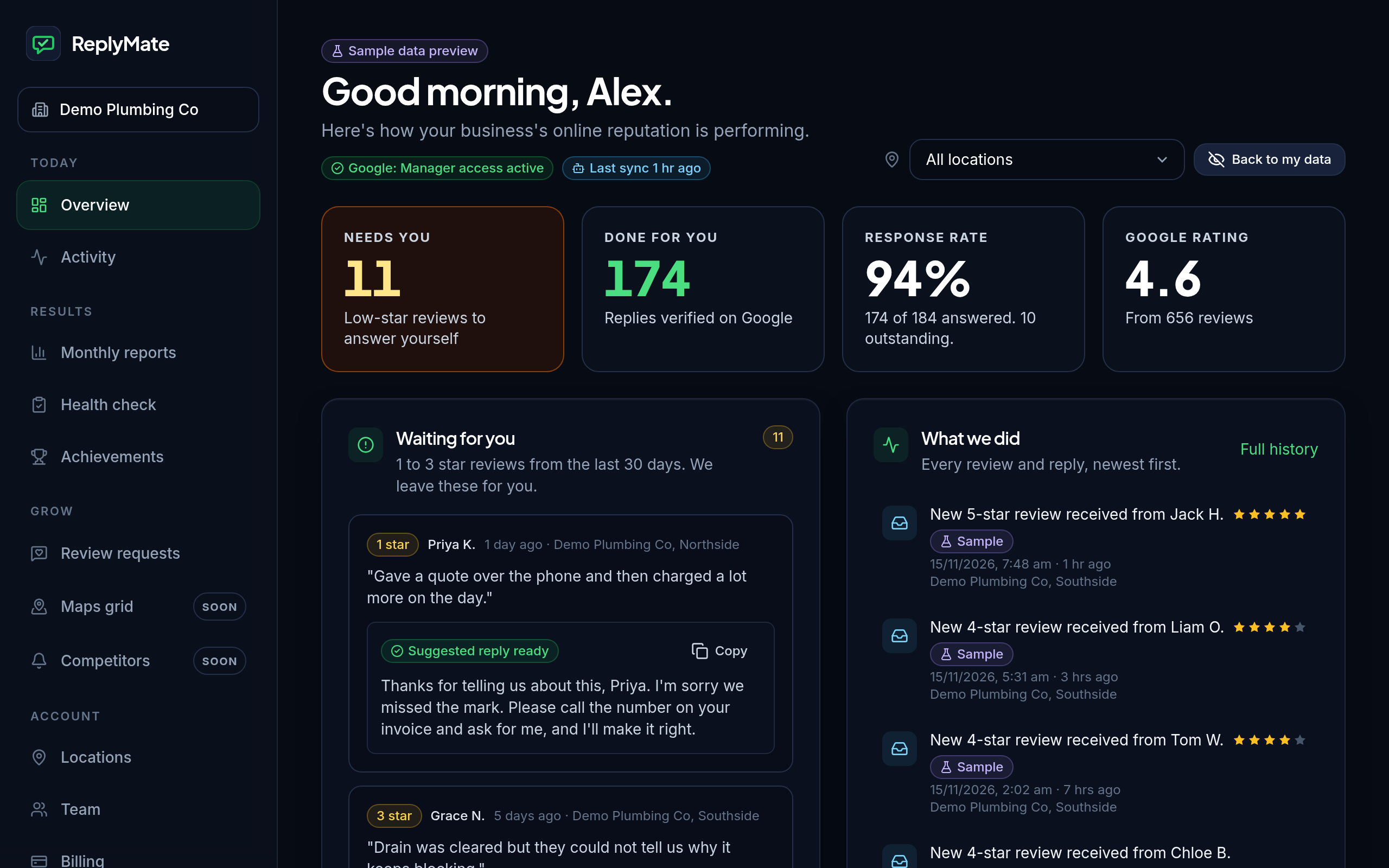
How is my reputation going?
See your Google rating, how many reviews have a reply and what's waiting for you. One location or all of them.
- How many 4 and 5 star reviews have a reply
- Your star mix for any dates you pick
- See if we're connected and when we last checked
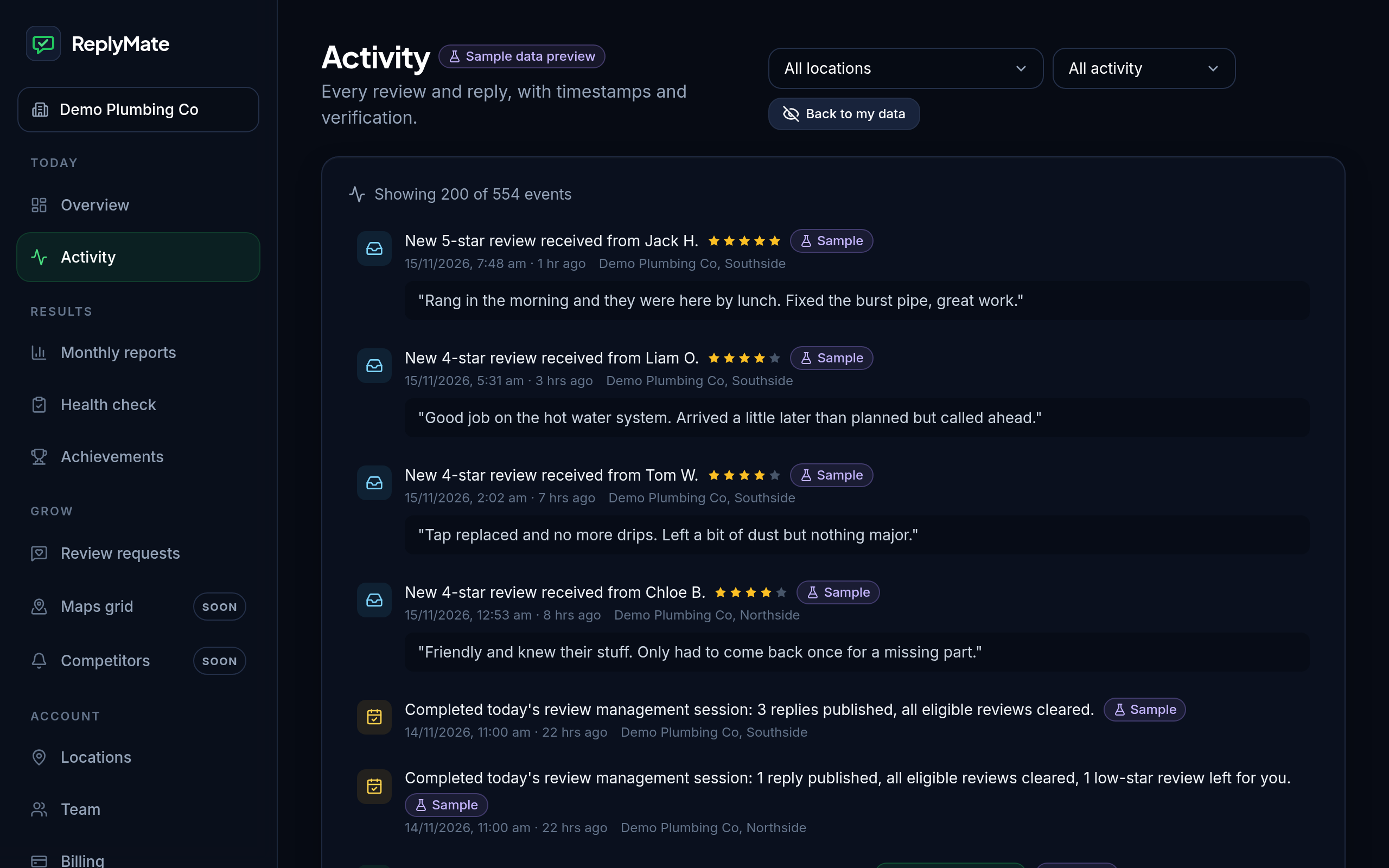
What did you actually do?
Every review and every reply, with the time it happened. A reply only counts once we've checked it's live on Google.
- Filter by replies, reviews or daily sessions
- Each reply is marked once it's verified on Google
- Refreshes every 30 seconds
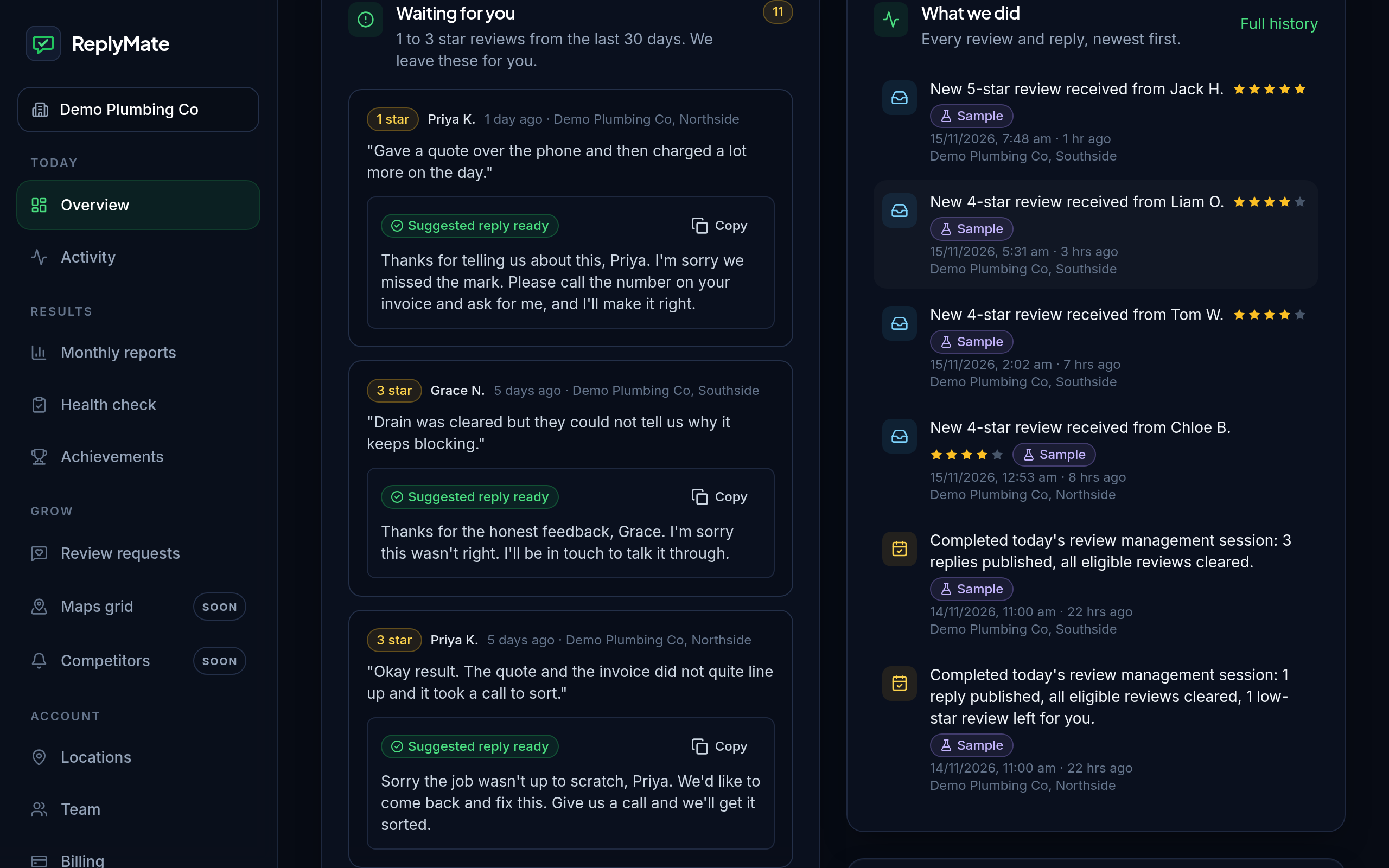
What needs me?
Your 1 to 3 star reviews wait in one list. We never reply to these for you, because they deserve a personal answer.
- Same-day alert when one lands
- Suggested reply on Crew
- Nothing is posted until you post it
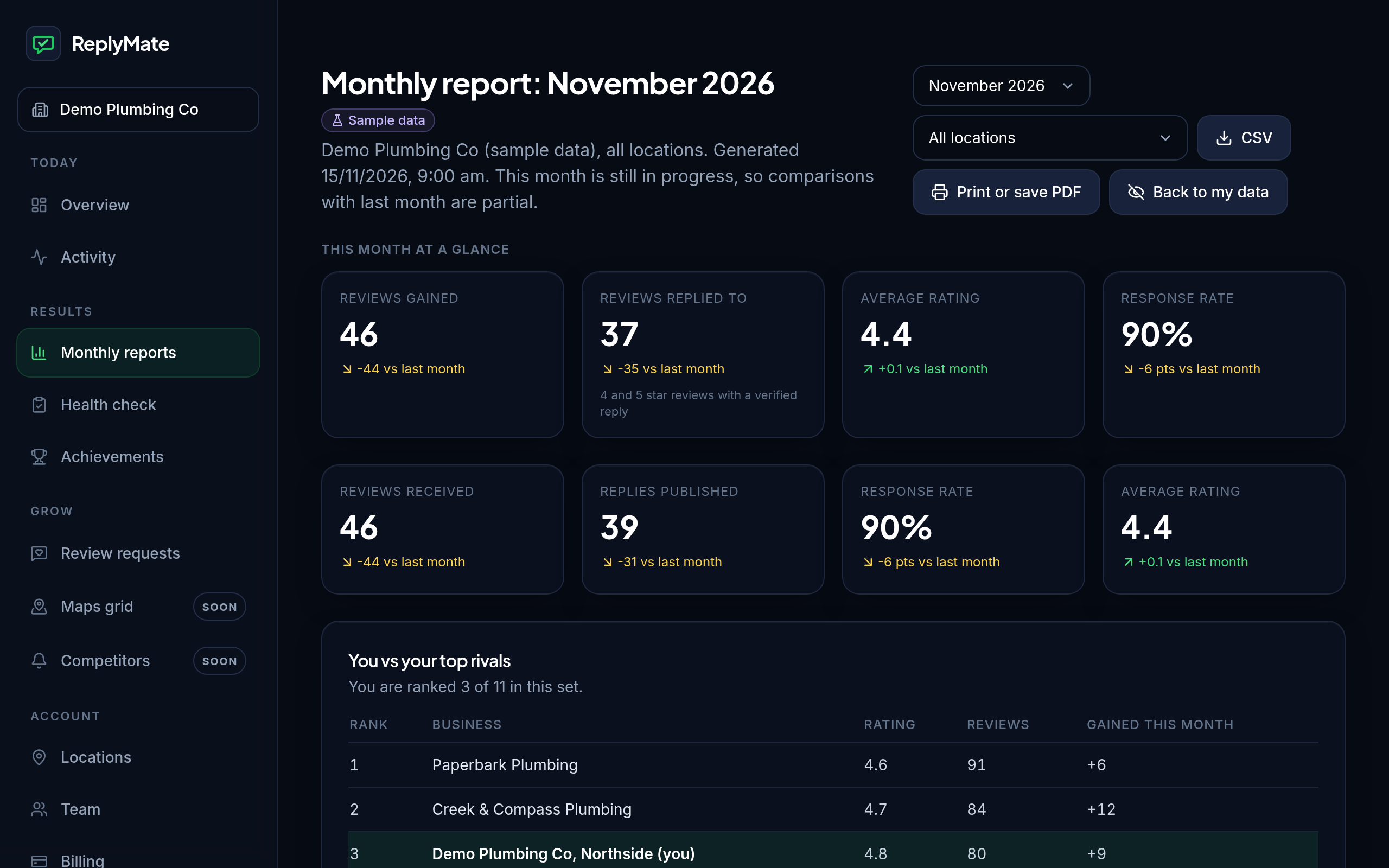
What did I get this month?
See reviews gained, replies posted, your rating and your reply rate, next to last month.
- What customers praise and complain about
- Star mix and day-by-day chart
- Export to CSV or save as PDF
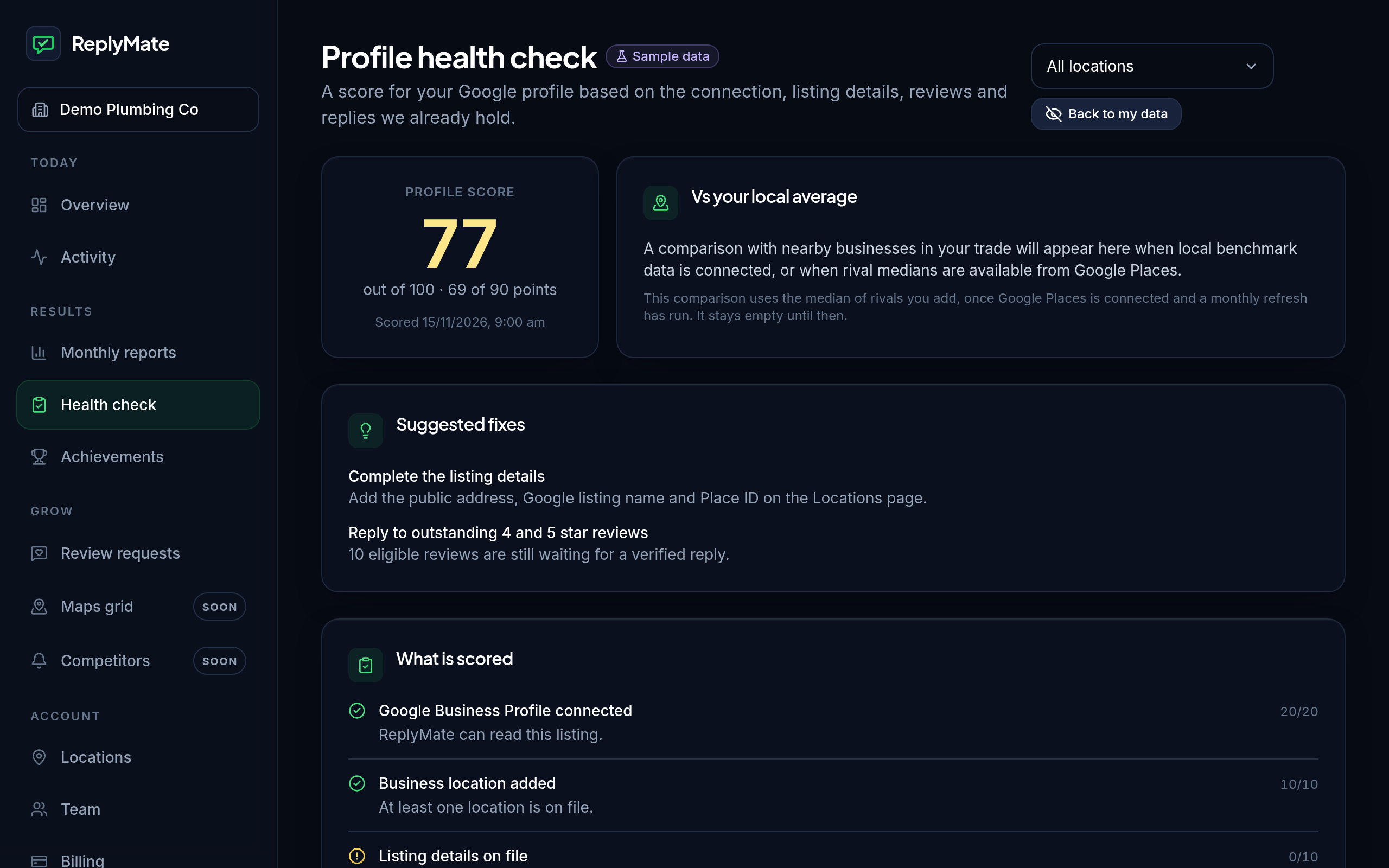
Is my Google profile set up properly?
Get a score for your profile and a list of what to fix first.
- A score built from your connection, listing and reviews
- Suggested fixes in plain words
- More checks, such as photos and hours, coming later
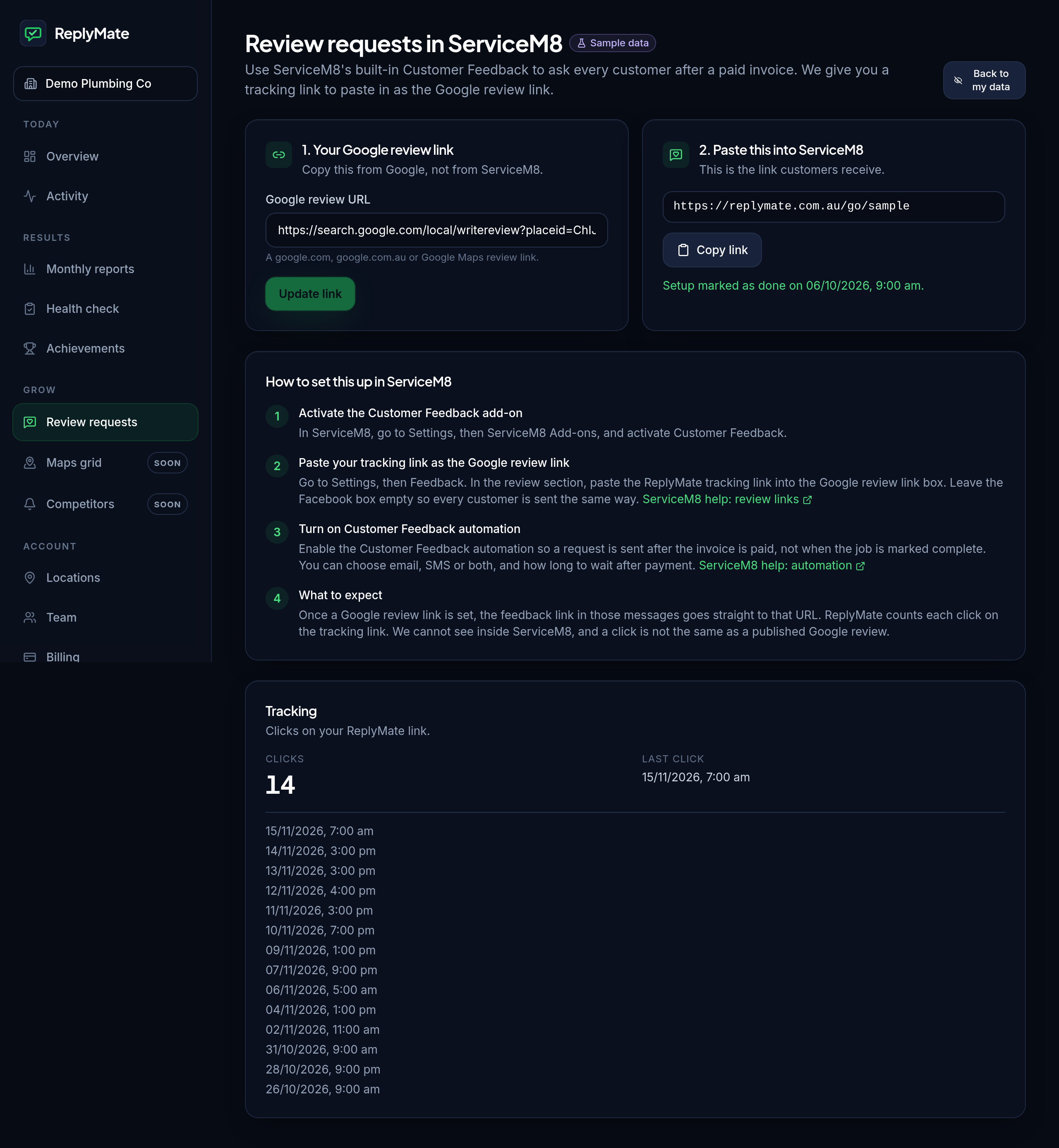
Are customers being asked for reviews?
This screen has your review link, your QR code and a ready-to-send text. When a job is done and the customer is happy, send the link, show the QR code, or copy the text and send it.
- Copy your review link
- Show your QR code
- Send the ready-to-send text
Your reviews won't answer themselves.
Set up once and we handle the replies from there.